The challenge
Challenges convenience store networks face
Convenience chains and forecourt shop operators raise the same three problems.
Standards change from store to store
Cleanliness, layout and service depend on who is on shift, and a monthly visit report doesn’t show the daily picture.
Food safety leaves no room to slip
Chiller temperatures, date codes and hot food holding need checking every day, and paper logs are easy to fill in later.
Age-restricted sales are a risk at every till
Tobacco and other age-restricted products need ID checks, signage and trained staff at every till.
How AutoSmart helps
How AutoSmart helps convenience stores
Solves challenge 1
One store walk for every store
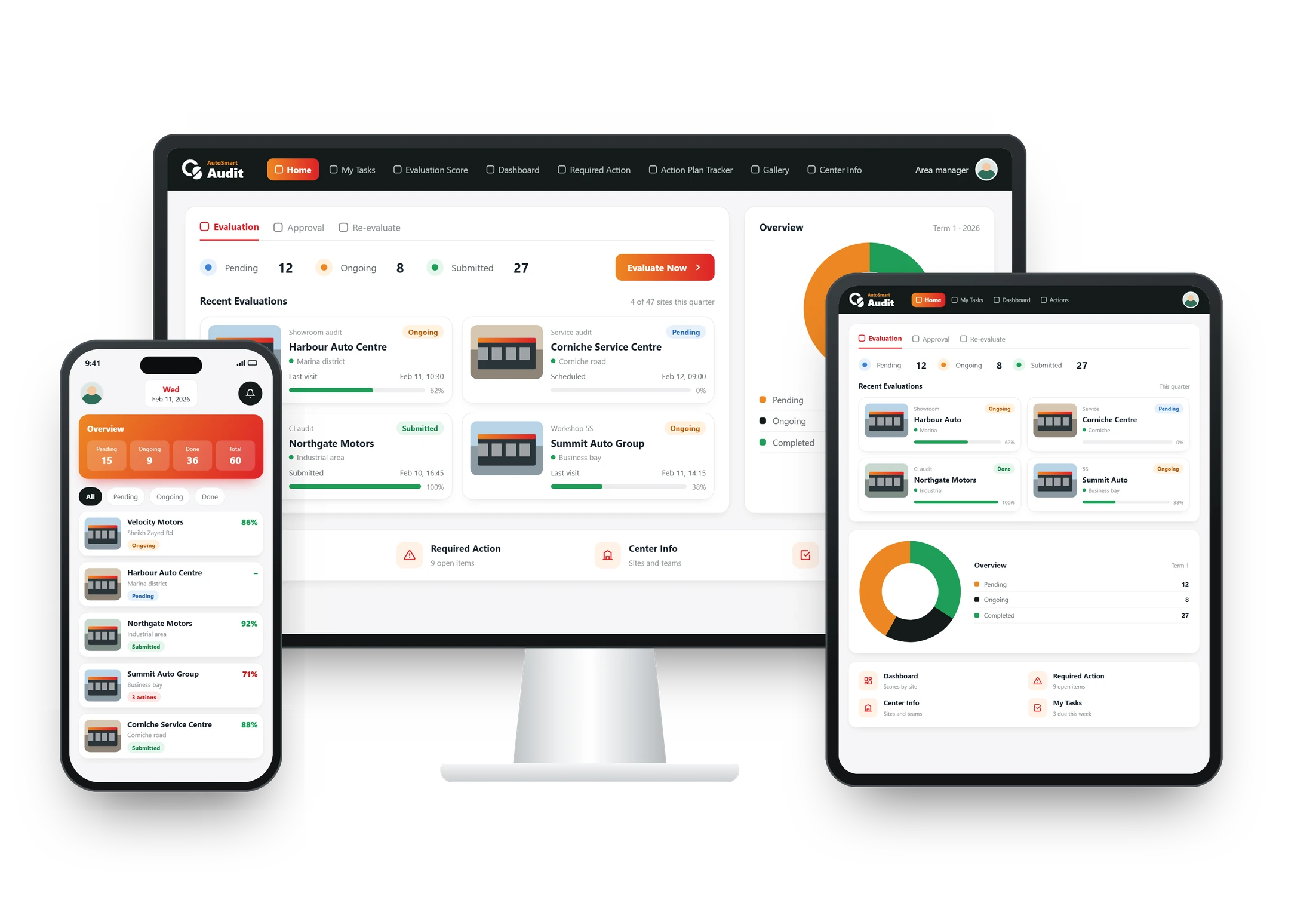
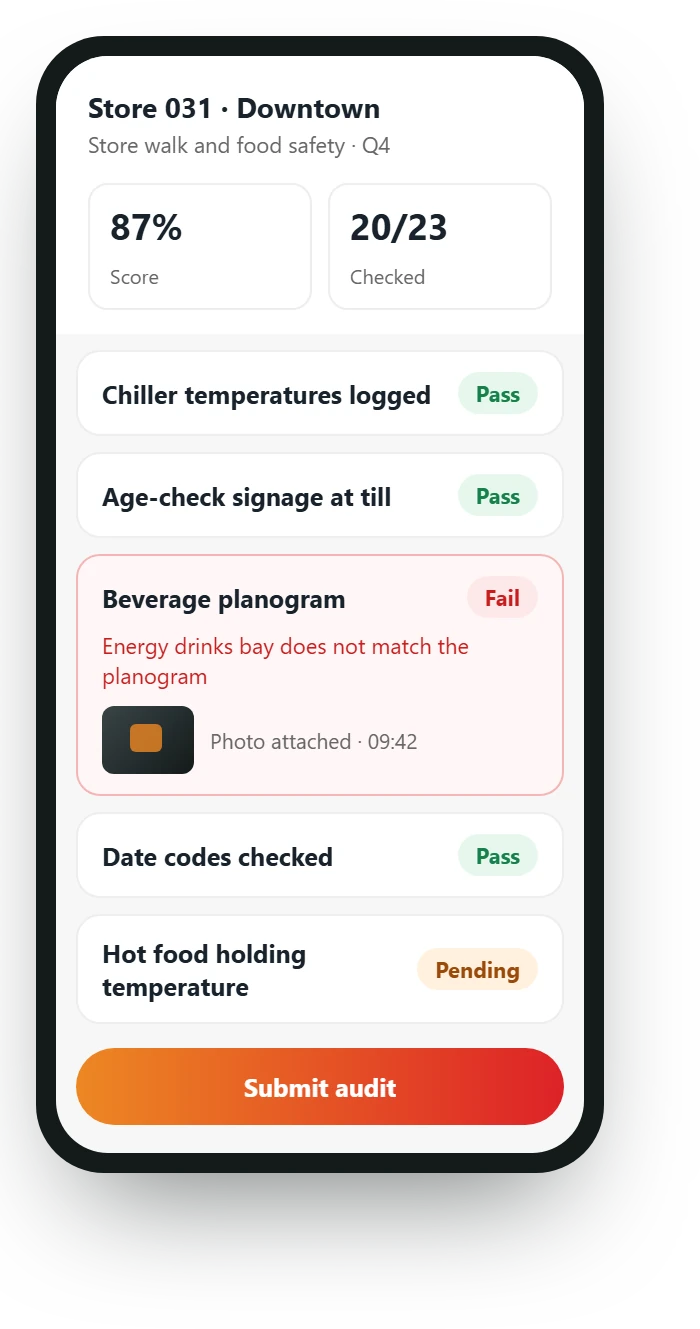
Store standards, food safety, age checks and planograms become one scored convenience store checklist on a phone, with photos where they matter, so every store is checked the same way.
- Daily checks by store staff
- Photos required where they matter
- Scored the moment it is submitted
Solves challenge 2
Every finding becomes a fix with a person in charge
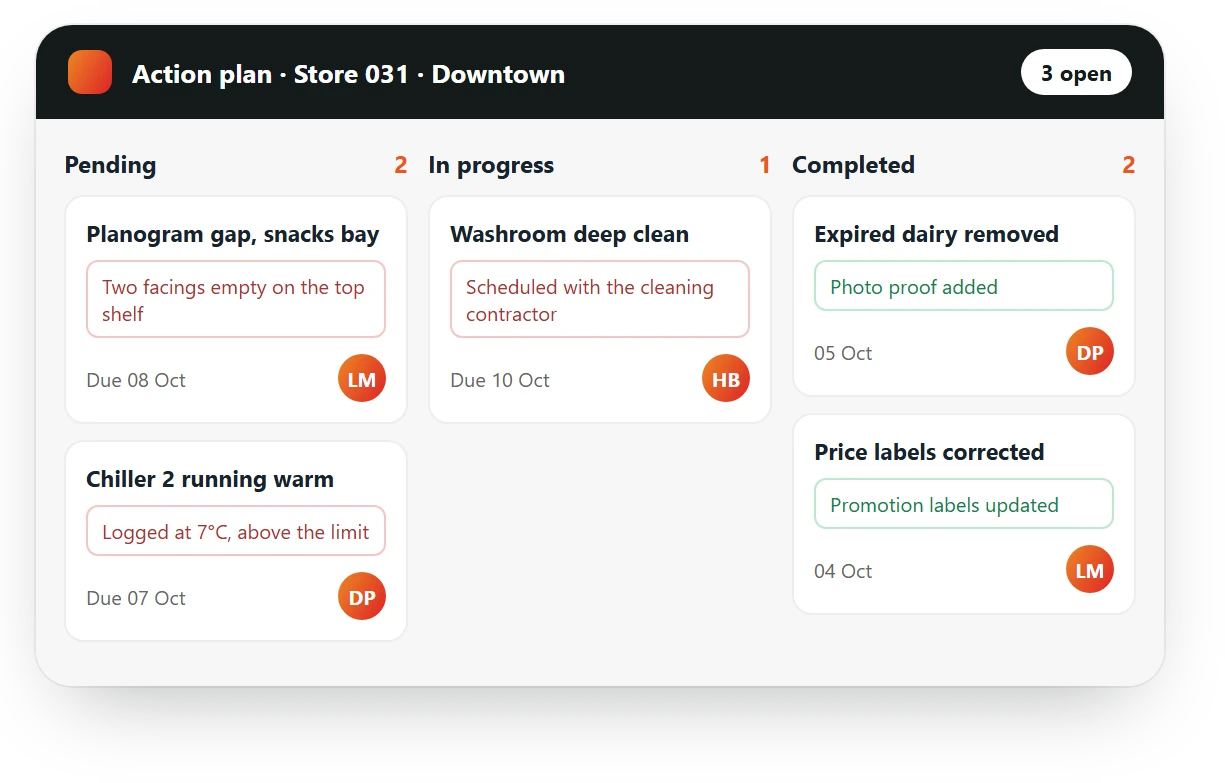
A warm chiller or a planogram gap becomes an action with a person in charge and a due date, and the store closes it with a photo of the fix.
- A person in charge and a due date
- Pending, In progress, Completed, Approved
- Photo proof of every fix
Solves challenge 3
Every store compared on one scale
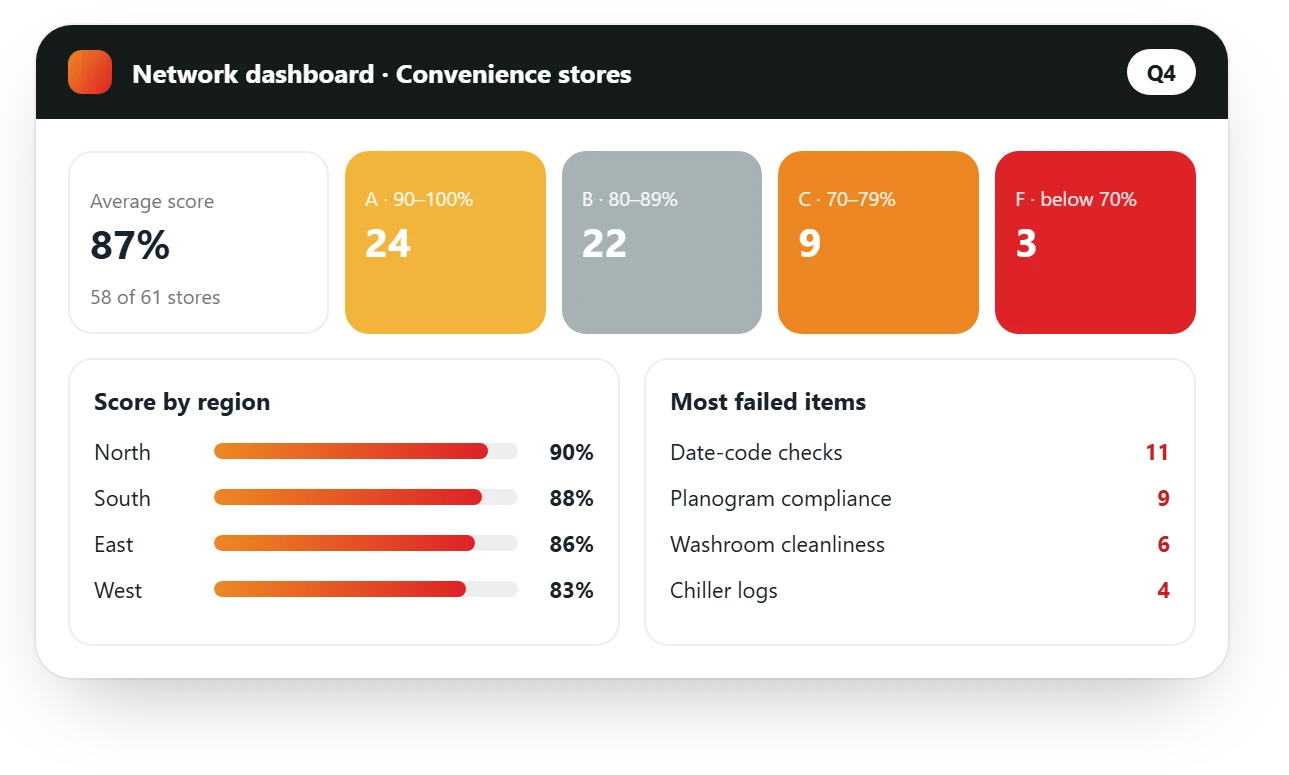
Scores, failed items and open actions reach the dashboard as each check is submitted, so area managers see which stores need a visit first.
- Scores by region and store
- Most failed items across the chain
- Missed checks flagged
What gets audited
What a convenience store inspection covers
A typical convenience store audit checklist in AutoSmart is grouped into six areas. Start from it and add your own store standard.
Store standards
- Floors, shelves and entrance clean
- Lighting and signage working
- Queue and till area tidy
- Opening and closing routines done
Food safety
- Chiller and freezer temperatures logged
- Date codes checked, expired stock removed
- Hot food holding temperatures
- Food handler hygiene
Age-restricted products
- ID checks at the till
- Age-restriction signage displayed
- Staff trained and refreshed
- Tobacco display rules followed
Planogram and pricing
- Shelves match the planogram
- Price labels match the system
- Promotions set up on time
- Stock-outs reported
Health and safety
- Fire exits clear
- Wet floor signs and spill response
- First aid kit stocked
- Safe storage in the back room
Customer service
- Greeting and till service
- Washroom cleanliness
- Customer complaints handled
- Mystery shopping visits
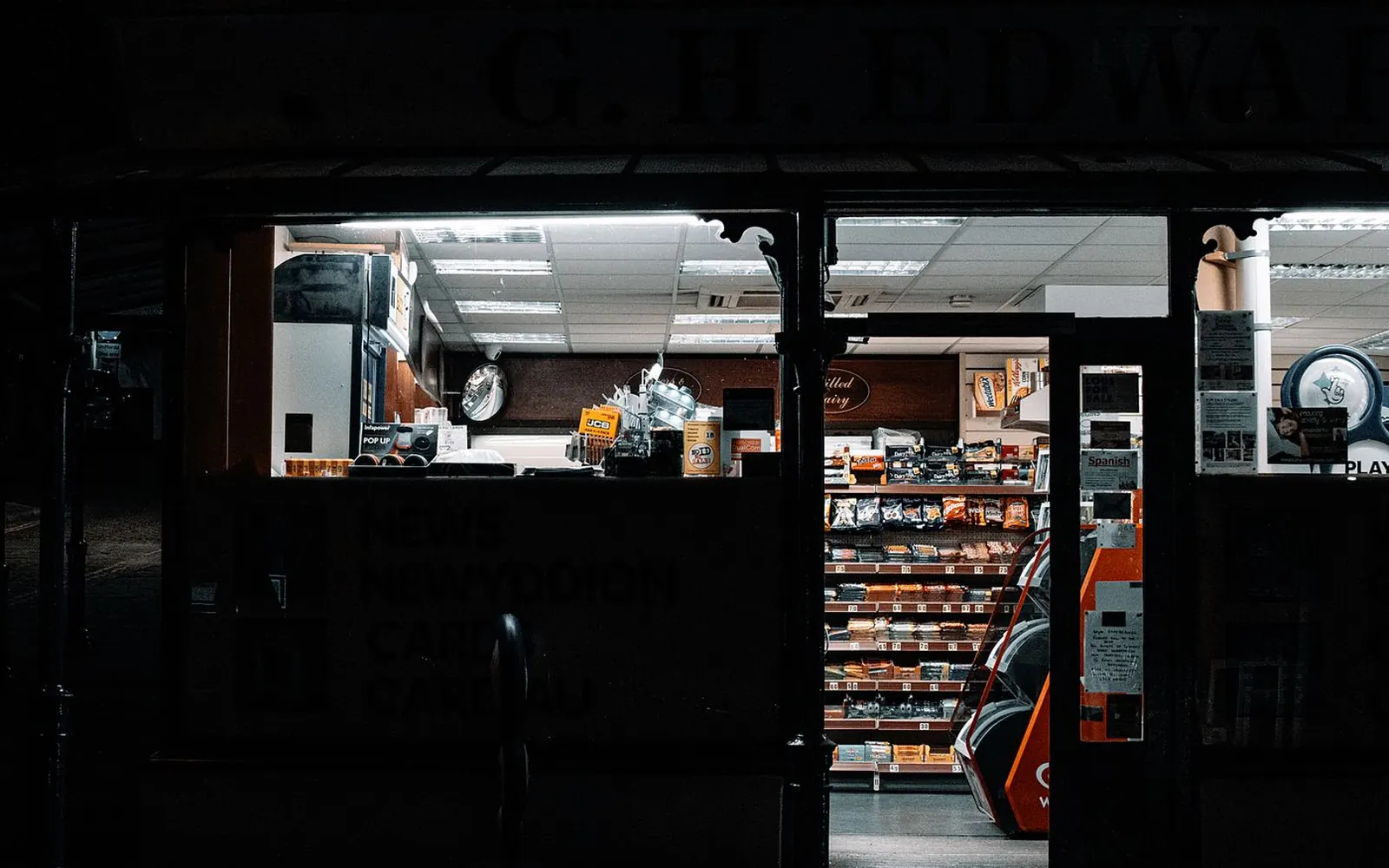
Open early, open late: every store held to the same standard on every shift.
Standards and regulations
Standards and regulations, built into your checklists
Food, safety and age rules sit in the same audit as your store standard.
Food safety and hygiene requirements for stores that store, handle or sell food.
Dubai Municipality food code (UAE)
Food safety rules for retail food businesses in Dubai, with similar codes in the other emirates.
Saudi Food and Drug Authority requirements for food handling and storage.
Age-restricted sales
Local rules on selling tobacco and other age-restricted products.
Civil Defence (UAE and KSA)
Fire and life safety in stores and back rooms.
Your store standard
Your own checks, scored exactly the way you score them today.
FAQ
Convenience store audits: common questions
What is convenience store audit software?
Convenience store audit software replaces paper checklists and logs. Store staff and area managers complete checks on a phone, attach photos, and every failed item becomes an action with a person in charge. Head office sees every store’s score as soon as a check is submitted.
What should a convenience store audit checklist include?
Most chains check six areas: store standards, food safety, age-restricted products, planogram and pricing, health and safety, and customer service. Add your own store standard and local food rules on top.
How often should convenience stores be audited?
Many chains run short daily checks by store staff, for temperatures, date codes and opening routines, plus a full area manager audit every month or quarter. AutoSmart schedules both and flags missed checks.
Can store staff run the daily checks themselves?
Yes. Daily checklists are short and run on the store’s phone or tablet, with photos, so the area manager sees the daily picture between visits.
Does it work for shops at fuel stations?
Yes. Forecourt shops use the same store checklists, and the forecourt itself can be audited in the same visit with a fuel station checklist.