
What this checklist covers
The 5S Digital Workplace Checklist is a 15-point scorecard for folder structure, file naming, CRM hygiene, shared drive organisation, duplicate records, and data cleanliness. Each criterion is scored from 1 to 5 on what the auditor sees on the day, and every gap goes into an action plan with an owner and a close date.
AutoSmart tip: Digital 5S is frequently overlooked because disorder in a shared drive or CRM is invisible compared to a messy workshop floor. But a shared drive with 2,000 files in a single folder, a CRM with 30% duplicate records, or a team inbox with 800 unread emails creates the same productivity drain as a disorganised parts store: it just cannot be photographed for an audit report.
The checks
Tap Yes, No or Maybe to try it: your answers stay in this page and clear when you refresh. For a detailed walkthrough, download our PDF or book a demo.
Folder structure and file naming
- Is a defined folder structure in place for shared digital storage (network drive, SharePoint, Google Drive), documented and communicated to all staff who use it?
- Is a consistent file naming convention followed across the team, allowing any file to be located by a colleague without requiring the creator's input?
- Are files stored in their correct folder location, with no files saved to desktop shortcuts, personal drives, or generic 'dump' folders outside the agreed structure?
- Are obsolete file versions deleted or archived to a clearly labelled 'Archive' folder, with no multiple conflicting versions of the same document in the active folder?
CRM hygiene and duplicate records
- Is the CRM database reviewed on a defined schedule for duplicate customer records, with duplicates merged or resolved rather than accumulating?
- Are incomplete CRM records (missing contact details, unlinked vehicles, blank required fields) identified and completed rather than left as partial data?
- Are outdated or inactive customer records managed per the data retention policy, with records past the retention period archived or deleted rather than left cluttering active views?
- Is CRM data quality reviewed as a metric, with a data completeness or accuracy score tracked and reported to management on a defined cycle?
Shared drive organisation
- Are shared drives or cloud storage areas free from personal files, temporary download folders, or project materials that belong to closed projects but were never archived or deleted?
- Are permissions on shared drive folders configured correctly, with staff having access only to the folders relevant to their role?
- Is a shared drive or cloud storage audit conducted on a defined schedule, with the folder structure reviewed, redundant content removed, and permissions verified?
Access control and data cleanliness
- Are system access rights reviewed when a staff member changes role or leaves, with permissions updated or revoked promptly rather than left open?
- Are shared or generic logins (team email, shared admin account) replaced with individual credentials where possible, supporting accountability and data quality?
- Are email inboxes and shared mailboxes managed to a 5S standard, with processed emails filed or deleted rather than accumulating in a single inbox, with a zero-inbox or equivalent discipline in place?
- Is digital workplace 5S reviewed alongside physical 5S in the regular audit cycle, treated as equally important to the cleanliness and organisation of physical work areas?
How to run it
How the scoring works
Before the visit, fill in the dealer or centre, the auditor, the date and the audit cycle. Then score each of the 15 checks from 1 to 5 on what you see on the day, not on what the dealer or centre aims for, and add them up out of 75.
- 1 Not in place
- 2 Attempted
- 3 Defined
- 4 Managed
- 5 Fully sustained
- Green 60–75 · 80–100% Compliant. Keep the standard.
- Amber 38–59 · 50–79% Improvement needed: a structured action plan within 30 days.
- Red 0–37 · Below 50% Priority intervention, escalated to regional management.
Then close every gap
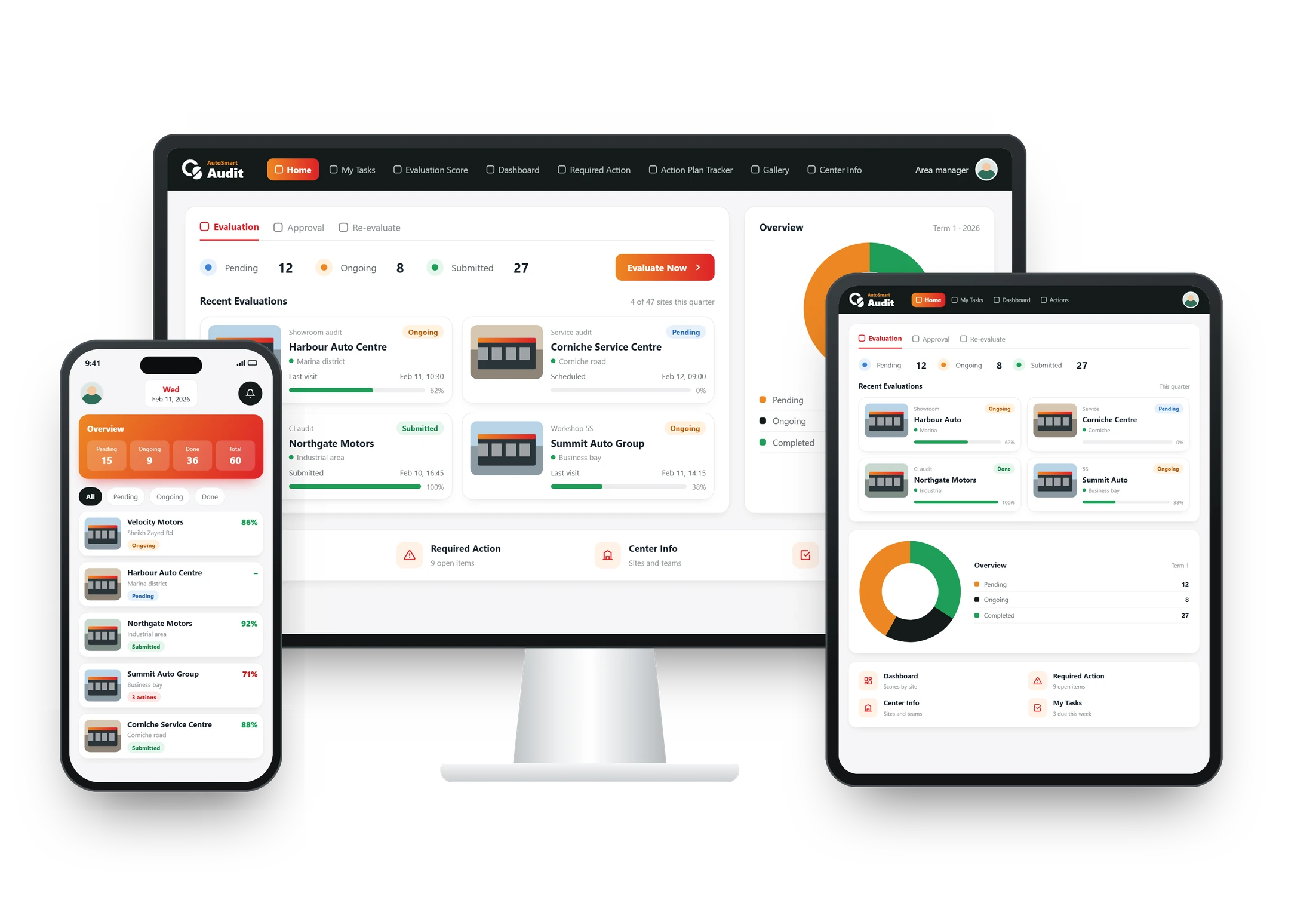
Each gap goes into the action plan tracker and moves through four stages until the auditor closes it.
- 1 Pending Person in charge and close date set
- 2 In progress Work under way, evidence gathered
- 3 Completed Evidence submitted for review
- 4 Approved Verified and closed by the auditor