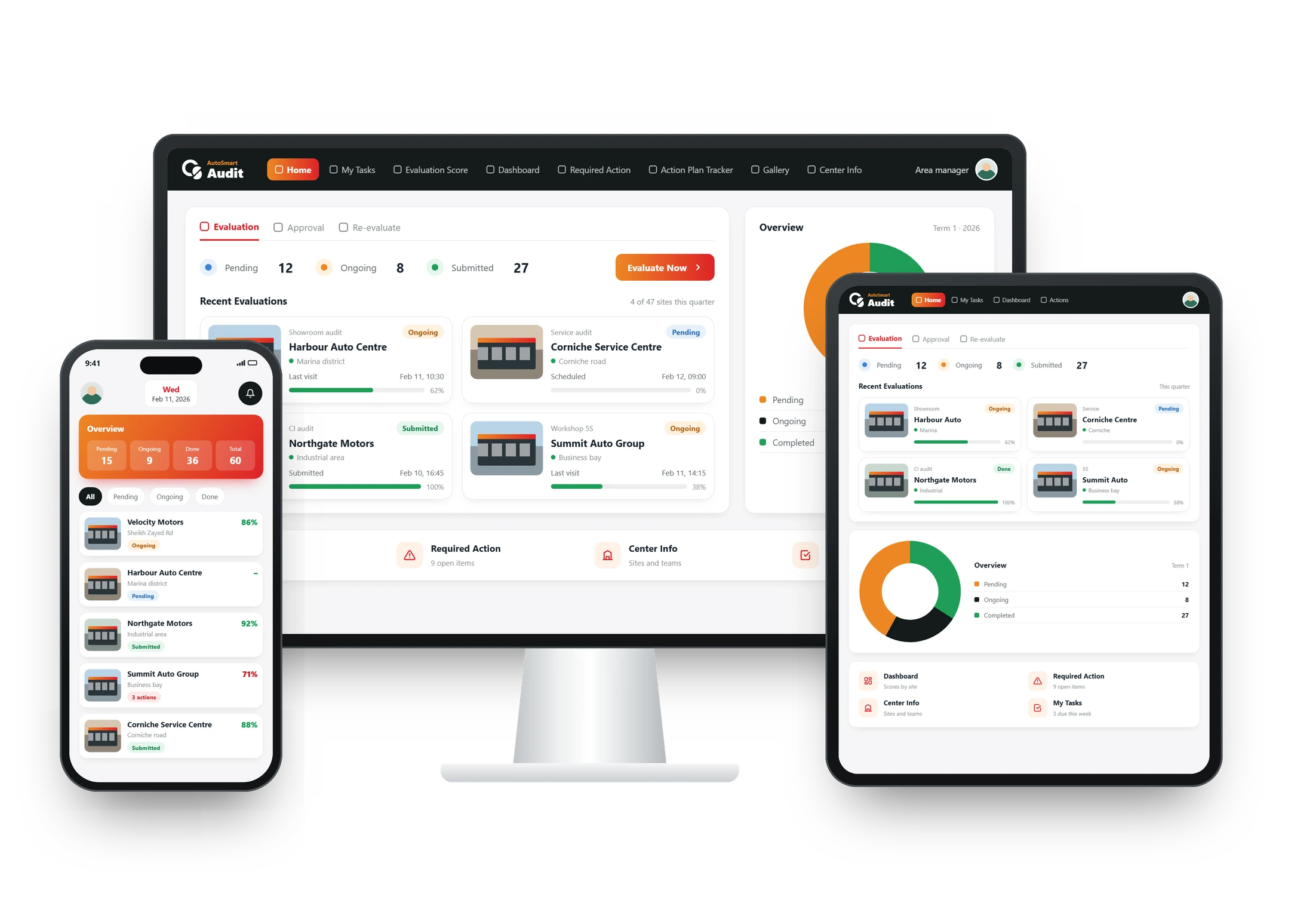


Most automotive service workshops still track jobs through a mix of paper cards, WhatsApp messages, and verbal handoffs. When that breaks down, the result is missed tasks, unclear accountability, and service delays. A job sheet app brings structure to this process by digitising how jobs are created, assigned, tracked, and closed.
What follows covers job sheet app functionality, how digital compares to paper, what retail task management software adds, and where job card auditing fits in.
What Is a Job Sheet App?
A job sheet app is a digital tool that replaces paper job cards with a structured, trackable system for recording and managing service tasks. Each job is logged with the relevant details, vehicle information, assigned technician, parts required, task status, and any notes or updates, all accessible from a mobile device or tablet rather than a clipboard.
A job sheet app for automotive service typically covers job creation at the service desk, technician assignment, real-time status updates, and a completed record that feeds into invoicing and service history.
Digital Job Sheet vs Paper: What Actually Changes
A paper job card captures the basics, but it stops being useful the moment it leaves the service desk. There’s no live visibility into where the job stands, and retrieving a completed card weeks later depends entirely on whether it was filed properly.
A digital job sheet vs paper comparison comes down to three things: real-time visibility as the job progresses, traceability through timestamped updates tied to specific users, and retrieval through search rather than a filing cabinet.
How Does Retail Task Management Software Improve Workshop Efficiency?
Retail task management software goes beyond individual job tracking and into how the workshop operates as a whole. Where a job sheet app tracks what’s happening with each vehicle, task management for dealership teams covers the broader operational picture: daily checklists, shift handovers, recurring maintenance tasks, and any non-vehicle-specific work that still needs assigning and tracking.
The efficiency gain comes from reducing tasks that fall between people. Task management for dealership teams makes every task visible, assigned, and trackable, whether it’s a vehicle repair or a bay cleaning check, similar in principle to how AutoSmart’s dealership audit process assigns clear ownership to every finding rather than leaving it to be remembered.
Can Job Sheet Apps Integrate with Scheduling Systems?
Most modern job sheet apps are designed to work alongside scheduling and booking systems rather than in isolation. When a service booking is confirmed, the tool can automatically create a job card linked to that booking, pre-populated with vehicle details and the requested service type, reducing manual data entry at the service desk.
Once a job is marked complete, the data can feed into invoicing, parts records, and service history, creating a connected workflow rather than disconnected steps.
Job Card Tracking Software and Where Auditing Fits In
Job card tracking software records what happened during a job, who did the work, what parts were used, and when the job was completed. This operational record becomes especially important when job cards need to be reviewed for warranty compliance, insurance claims, or OEM audits.
AutoSmart’s platform addresses this audit side of job card management specifically. Rather than creating or managing job cards at the point of service, AutoSmart’s job card auditing capability allows OEM warranty teams and dealer groups to review job cards against compliance standards, flag discrepancies, and track corrective actions across the network. For a deeper look at this, AutoSmart’s piece on digital job card audits vs manual reviews covers how digitised audit workflows compare to traditional paper-based job card review processes, and the broader guide on managing warranty compliance across a dealer network covers how this fits into wider OEM oversight.
Is a Digital Job Sheet App Usable Without Internet Access?
Offline functionality is a practical requirement for any workshop tool, since service bays, basements, and remote sites don’t always have reliable connectivity. Most well-built platforms in this category allow technicians to create, update, and complete job cards offline, with data syncing automatically once the connection is restored, the same requirement AutoSmart addresses on the audit side with its own offline-capable mobile audit app.
AutoSmart’s own platform confirms full offline functionality with auto-sync, which matters for the audit side as well, since field auditors reviewing job cards at dealer sites may not always have stable internet access during an inspection.
From Job Tracking to Job Card Compliance
A job sheet app handles the operational side of workshop management, making sure each job is recorded, assigned, and tracked to completion. But for dealer networks answering to OEM standards, the job card itself also needs to withstand scrutiny during audits and warranty reviews. That’s where operational job tracking and compliance-level job card auditing need to work together rather than in isolation.
AutoSmart’s audit platform is built for the compliance side of this equation, helping dealer networks review, score, and track job card quality across every location. Book a demo to see how AutoSmart connects job card auditing with broader dealership compliance.